


Imagine explaining a complex assembly to a new colleague. You send them the relevant standard, the internal wiki, and the project documentation from the last similar order.
All as plain text. No drawings, no sketches, no screenshots from the CAD system.
How much does he understand? How quickly can he actually work?
This is exactly the problem most AI systems in use today have. They can read texts, search documents, formulate answers. But as soon as the actual knowledge is embedded in a drawing, a calculation sheet, or a screenshot from EPLAN or SolidWorks, they hit a wall. The AI sees: nothing.
In mechanical engineering, this is a fundamental problem. Because engineering design knowledge is largely visual.
What Knowledge in Engineering Design Really Looks Like
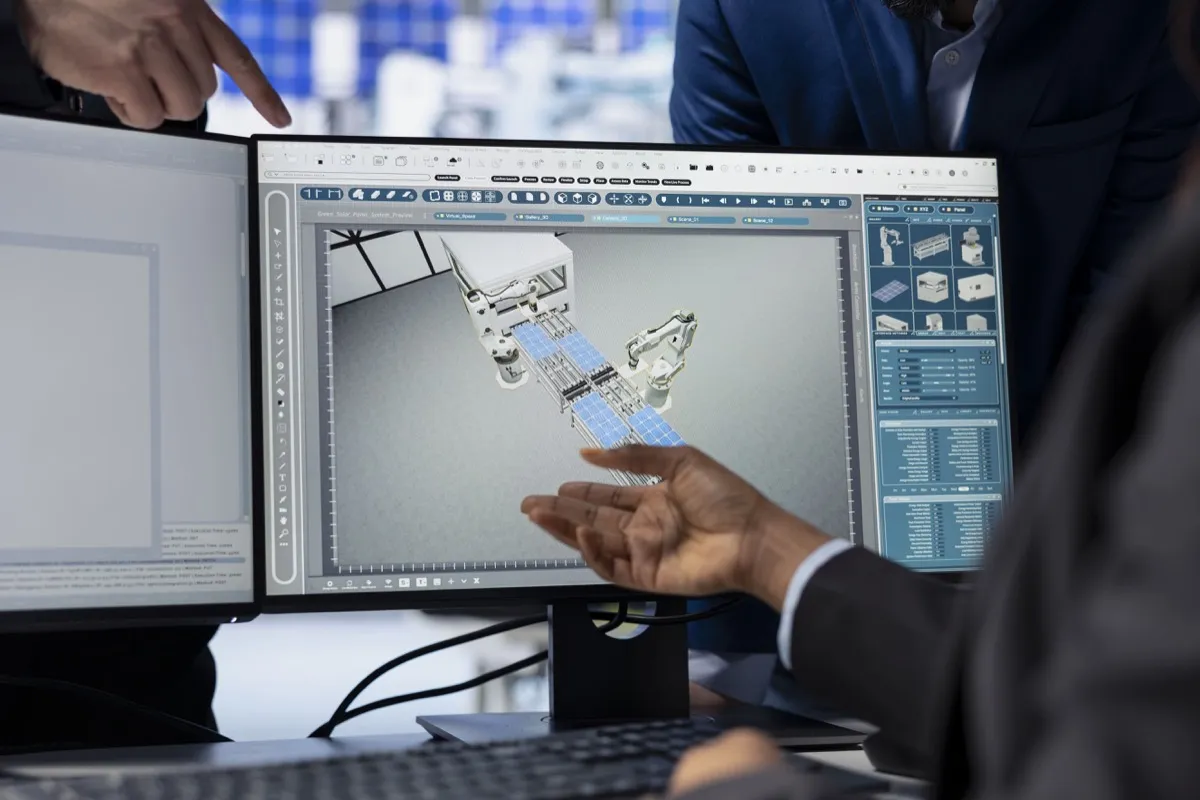
When you ask design engineers where their knowledge resides, they rarely mention text documentation first. They mention drawings. Component sketches. Handwritten notes on printed plans. Screenshots from the CAD system with annotated dimension chains. Calculation tables where the logic lies in the structure of the columns, not in descriptive text.
This is no coincidence. Engineering design is a visual discipline. Technical drawings are the language in which engineers communicate. More precise, more efficient, and more informative than any text description.
An exploded view shows in a single image what would be nearly impossible to convey in twenty pages of text. A dimension chain with tolerance specifications contains more technical information in a few lines and numbers than an entire paragraph of prose. A screenshot from a FEM program immediately shows where the critical stress areas are.
“Anyone processing engineering knowledge as text only is processing half at best. And usually not the most important half.”
What Gets Lost When AI Cannot See
The consequences are concrete, and they show up daily in practice.
Drawings are left out. Most engineering documents are PDFs, and in practice PDFs contain both: text and images. Title blocks, bills of materials, dimensions in text form, but also the actual technical drawing as a vector graphic or image. A purely text-based AI system indexes the text and ignores the image. That means: the drawing, the most important part, is invisible to the AI.
Calculation sheets lose their meaning. Engineering calculations follow a visual logic. Formulas are not flowing text. Tables communicate through their structure. Diagrams show relationships that cannot be represented in rows of numbers. An AI that only reads the raw text of a calculation sheet does not understand the calculation. It only sees characters.
Screenshots from CAD and engineering systems become worthless. EPLAN circuit diagrams, SolidWorks views, FEM results, process diagrams from the PLM system: all of this exists primarily as images. Translating it into text is laborious, error-prone, and simply not scalable in daily practice.
Handwritten notes and annotations are completely lost. In many engineering departments, valuable implicit knowledge lives in handwritten annotations on drawings, on Post-its on printouts, in freehand sketches from meetings. For text-based AI systems, these do not exist.
What Multimodal AI Does Differently
Multimodal AI systems understand text and images simultaneously. This changes what is possible.
An engineer can submit a page from a technical handbook, complete with drawing, dimension chain, and standard reference, and ask: "Does this tolerance specification also apply to our aluminum variant?" The AI reads the page the way a human would: text and image together, in context.
They can upload a screenshot from SolidWorks and ask: "Do we have a similar assembly in an older project where we solved this transition differently?" The AI searches the knowledge base including all visual content and finds relevant matches.
They can submit a scanned calculation sheet from an archived project and ask: "What safety factors were applied here?" The AI reads formulas, tables, and handwritten additions. Not just the running text.
“Multimodal AI makes possible what engineers have expected from AI systems for years: an answer to what was actually asked.”
Source References That Actually Help
One of the biggest differences between a good and a bad AI system in engineering design is how answers are substantiated.
A text-based system says: "According to document XY, page 12, the following requirement applies." That is a start. But the engineer still has to go to page 12, open the drawing, and visually search for the relevant section.
A multimodal system can do more: it shows the relevant image excerpt directly in the answer. The dimension chain, the standard reference, the highlighted area in the drawing. The engineer sees at a glance what is meant. No media break, no additional research effort.
This is not just more convenient. It is auditable. Decisions based on visually documented sources can be traced and recorded. Especially in regulated areas and during certification processes, this is decisive.
What This Means for Building a Knowledge Base
The move to multimodal AI also changes how a knowledge base should be built.
The reflex of many companies is: "We need to translate our drawings into text first before we can use AI meaningfully." This is a misconception. And an expensive one. Manual text descriptions of drawings are error-prone, time-consuming, and never capture the full information from the original.
The right approach is the opposite: feeding in documents as they exist. PDFs with drawings as PDFs. Screenshots as images. Calculation sheets in their original format. The AI reads both and needs no prior translation.
In practice, this means a significantly lower barrier to building the knowledge base, a much more complete representation of actual company knowledge, and an AI that works with what is really there from the start.
Multimodality in the Soneo AI Engineering Assistant
The Soneo AI Engineering Assistant is designed to be multimodal from the ground up. Drawings, calculation sheets, CAD screenshots, and scanned documents are not treated as edge cases. They are part of the knowledge base, on equal footing with text documents.
Answers come with source references that not only cite file and page, but deliver the relevant image excerpt directly. Engineers see where information comes from. Visually, without detours.
Because engineering knowledge is visual. The AI system meant to help with it must be visual too.
Ready to Make Your Engineering Knowledge Truly Usable?
We will show you in a free initial consultation how the Engineering Assistant works with your documents, drawings, and systems. Concrete, without buzzwords.
Book Free Consultation →FAQ
What is multimodal AI and how does it work in engineering?
Multimodal AI is an AI system that can process multiple types of information simultaneously, particularly text and images. In engineering, this means it can read and understand technical drawings, calculation sheets, and CAD screenshots together with text, just as a human engineer would.
Can AI read technical drawings and CAD screenshots?
Yes, multimodal AI systems can recognize and interpret technical drawings, CAD screenshots, FEM results, and even handwritten annotations on plans. The prerequisite is that the system is explicitly designed for processing both image and text data, like the Soneo AI Engineering Assistant.
Why is text-only AI not enough for mechanical engineering?
Engineering knowledge is largely visual: exploded views, dimension chains, calculation tables, and circuit diagrams communicate information that is nearly impossible to represent in pure text. A text-based AI system ignores these visual contents and thus processes only a fraction of the actual knowledge.
What are the benefits of multimodal AI for engineering design teams?
Engineering teams benefit from faster access to knowledge from drawings and documents, visual source references directly in the answer, and a significantly lower barrier to building the knowledge base. Documents can be fed in as they exist, without laborious prior translation into text.
How do you build a knowledge base for AI in engineering design?
The right approach is to feed in documents in their original format: PDFs with drawings as PDFs, screenshots as images, calculation sheets in their original format. Multimodal AI reads text and images simultaneously and requires no manual prior translation, which considerably simplifies the setup.